

What should you do?
Confirm compatibility, unlocking, installation access and the chosen data line before departure; a QR code alone cannot fix a carrier-locked phone.
Use the three-stage decision framework below, then confirm the exact purchasable TripoSIM plan at checkout. This website is owned by BroadNet and promotes TripoSIM; it is not an independent multi-provider marketplace.
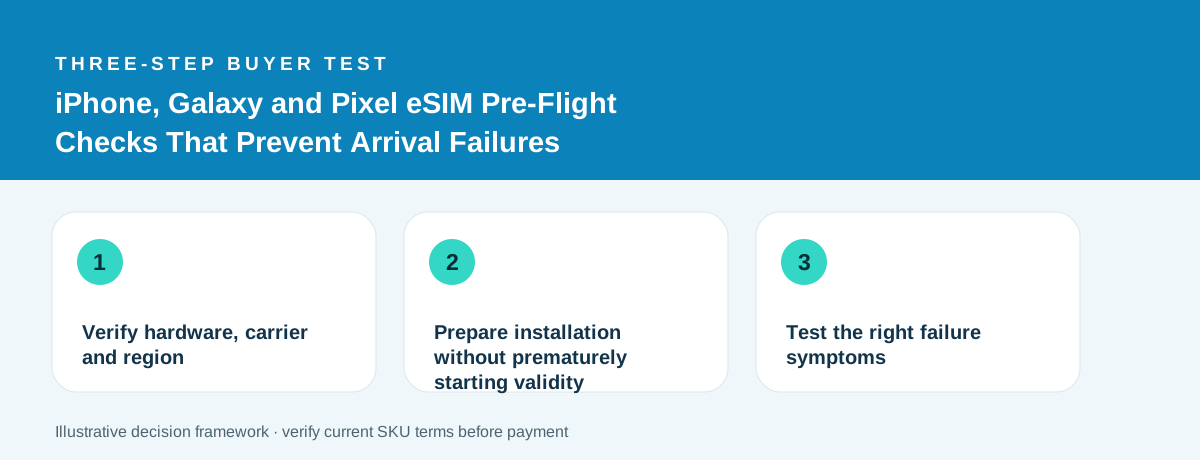
Verify hardware, carrier and region
The model name is only the beginning. Look up eSIM support for the exact regional device variant and confirm it is not carrier locked. Apple provides a Settings → General → About carrier-lock check; Google and Samsung provide model-specific eSIM instructions, but menu labels and regional support vary.
An iPhone XS or newer can be eSIM-capable without being unlocked. Similarly, a Galaxy product family may include variants with different SIM options in different markets. Do not tell a traveler that every phone of a named brand will work. Verify the device model number, regional variant and carrier status.
Check compatibility before payment, not at the gate. If the product requires an unlocked handset and yours is restricted, paying for an eSIM will not override the carrier restriction.
Prepare installation without prematurely starting validity
Use a stable connection for downloading the eSIM profile if your device and the seller require it. Save the purchase email, QR details, manual installation values and service instructions somewhere you can reach offline. Check whether the product activates on download, first network connection or a time-based trigger before installing.
You may need to scan a QR code from a second screen; one practical approach is to have a laptop or another person show it, or to use a supported manual installation flow. Never share your QR code publicly: it is an activation credential.
When the traveler lands, designate the purchased travel line for data and review roaming controls on the home line. Keeping a primary number active for calls or messages may still create charges under the primary carrier’s terms.
Test the right failure symptoms
A missing connection can come from five different causes: no installed profile, inactive data line, disabled data roaming on the travel profile, unsupported network in the location, or an APN/profile setting required by the supplier. Work through the provider’s instructions in order.
If the phone displays service bars but websites fail to load, distinguish a data-routing problem from total signal loss. Turn airplane mode on and off only as a safe basic check and avoid deleting the eSIM profile until support directs you; some QR codes cannot be reused.
For a trip where a successful airport pickup depends on connectivity, save the ride confirmation and meeting point offline. A premium plan is not a replacement for an arrival contingency.
A decision you can use today
Choose a product only after you can answer the three questions above with evidence from its own listing. A useful outcome may be to keep your existing roaming plan, purchase a destination-specific eSIM, or choose a larger valid data allowance. The right answer depends on your actual itinerary and requirements.
Ready to compare current offers?
Use our existing buyer tools to work out your needs, then inspect the current TripoSIM plan details. Historical country observations are not final checkout prices.
Open the decision tools →View TripoSIM plans ↗Sources and editorial notes
Research method: source-specific technical guidance plus transparent arithmetic illustrations. None of the examples are independently measured customer usage, live supplier quotes or device tests. Reviewed 4 November 2026.